Select a module. Build it exactly as it needs to be.
Tailor the content, environments, difficulty, assessment, and branding from one intuitive dashboard, and turn a base module into an experience that fits your learners precisely. No technical skills required.
AI generated feedback
Personalised coaching on every decision, delivered automatically.
Four steps from base module to measurable outcomes.
Everything happens on the web. Shape the experience, roll it out to your learners in VR, and see exactly how they perform, all without writing a line of code.
-
01
Select
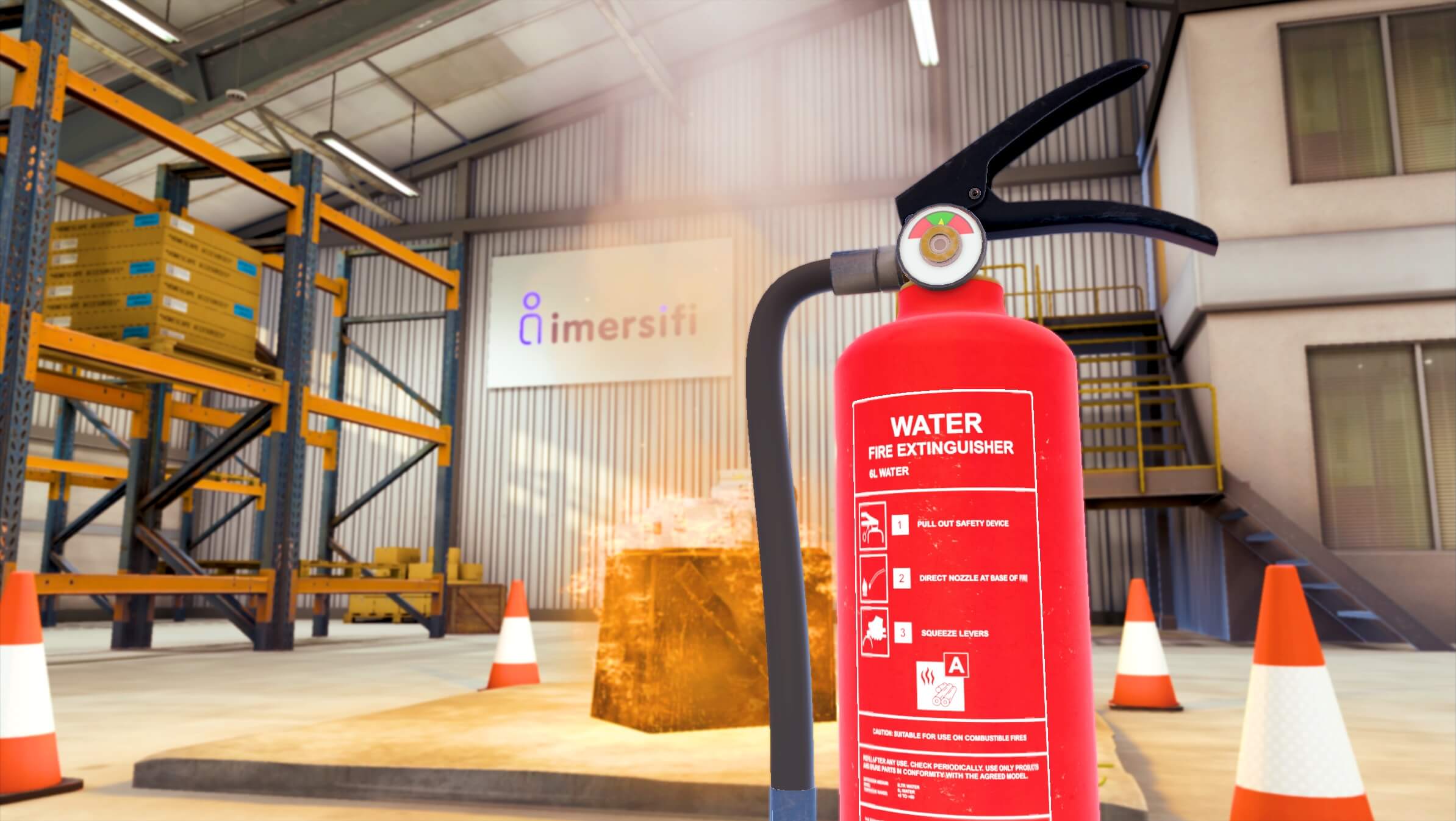
Start from a base module, Fire Extinguisher Control or AI Patient Consultation. Both are VR first and built for realistic, hands on immersion.
-
02
Configure
Set the content, environments, difficulty, assessment, and marking criteria from one intuitive dashboard, tailoring the experience to your learners.
-
03
Publish
Publish your experience and assign it by group across the organisation, ready for learners to step into in VR whenever they need it.
-
04
Track
Review detailed session records, watch assessment footage, and read AI generated feedback on every session to see what to improve next.
Experience Configuration
Pick a base module, then shape every detail.
Choose where to start, then tailor the content, environments, difficulty, assessment, and marking criteria from one intuitive dashboard. Whatever the subject, the experience is built around your learners, no technical skills required.
Emergency triage
Live AI
Scenario settings
- Marking criteria
- Introduce yourself and your role
- Confirm the patient’s identity
- Explore the presenting complaint
- Check for red flag symptoms
- Show empathy and active listening
- Agree a clear plan together
Warehouse fire response
In VR
Scenario settings
- Assessment checklist
- Identify the fire class
- Select the correct extinguisher
- Apply the correct technique
- Maintain a safe distance
- Sound the alarm and raise it
- Evacuate if the area is unsafe