Experience Configuration
Select a module. Create your bespoke experience.
Change the training content, the learning environment, assessment settings and more to make the experience tailored to your users.
Create an experience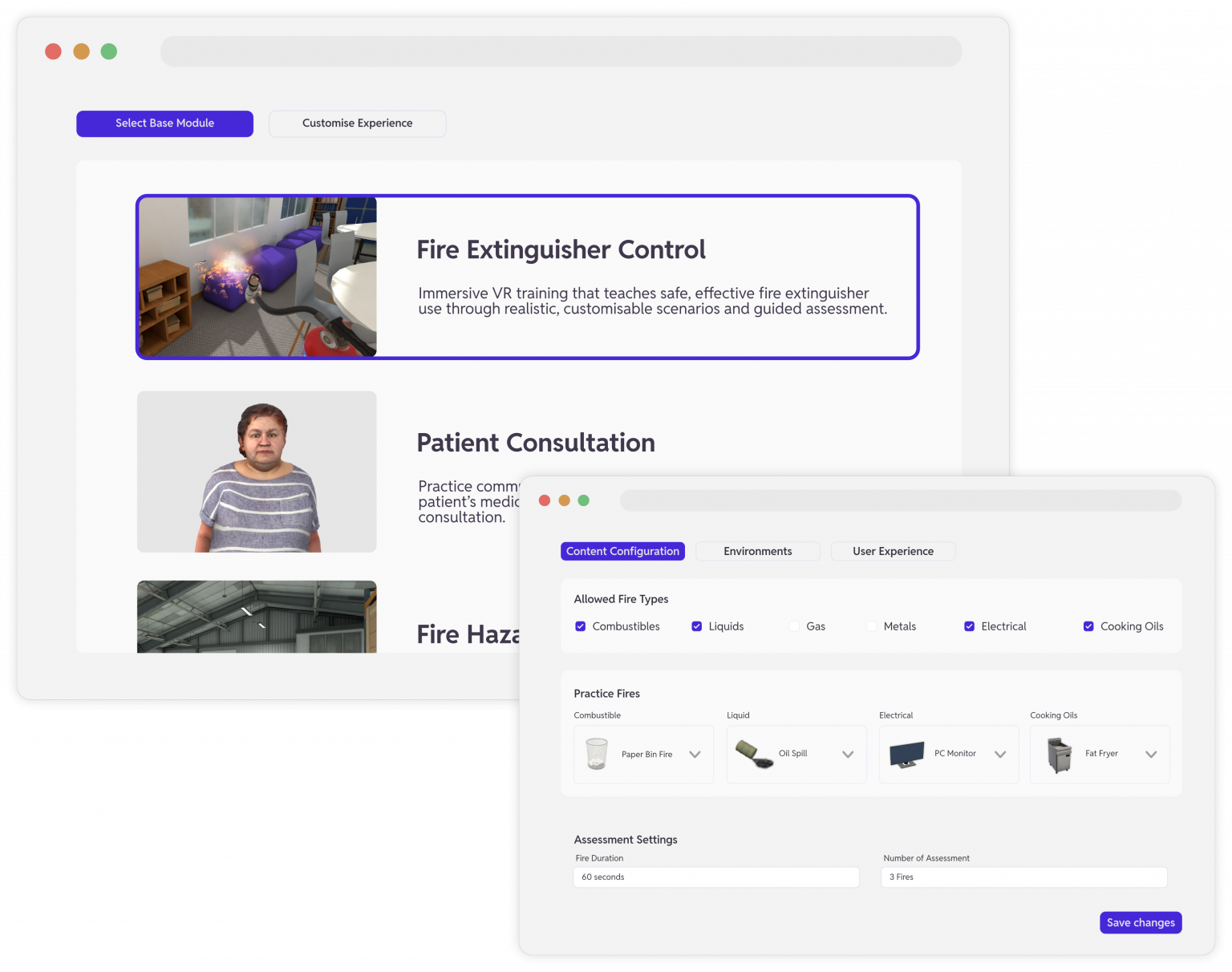


Change the training content, the learning environment, assessment settings and more to make the experience tailored to your users.
Create an experience

Start by selecting a base module, then tailor every element to suit your audience. Each module comes loaded with a wide range of configuration options. Adjust content, environments, difficulty levels, and assessment settings to create experiences that are relevant, immersive, and aligned with your learning goals. With the flexibility to fine-tune every detail, you can deliver training that engages learners, reinforces knowledge, and drives measurable results.
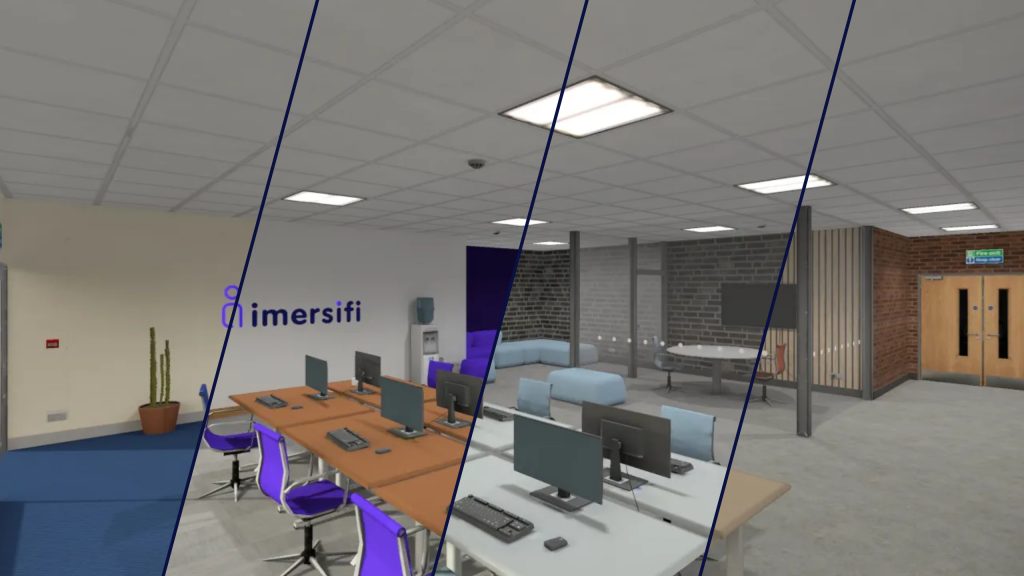
Select realistic settings for each section of the experience. Select environments such as an office, warehouse, kitchen, classroom, the options are endless. The right environment boosts immersion, relatability, and knowledge retention. The experience will automatically adapt to your chosen environment.
Name your experience, provide a description, published status, pick and icon or upload your own image. Create a personalised experience for your organisation.
Each base module has many configuration options, all are available when creating or editing your experience. Whether it’s what types of fire classifications to include or the medical history of a patient, everything is available for you to control.
Configure the learning context by selecting, and tailoring, environments for each section of the experience. Delivering impactful learning.
From background music to the virtual avatar that will guide the user through their experience, you have control end-to-end.
Configure assessment specific options per base module and control exactly how you assess your learners.
The users’ experience from the moment they put on a headset is branded with your organisational colours and logos.